

High-trust support
Support for founders and integrators.
Guides, warranty, shipping updates, and technical help — whether you pre-ordered KEYRA ONE or are building on the platform.
- Founder shipping updates
- Troubleshooting
- Contact support
Self-service
Start here before you email us.
FAQ
Common questions.
When will my founder unit ship?
First Founder Units Begin Shipping September 2026. You will receive email updates at each production milestone. Track live progress on our manufacturing page.
How do I pair KEYRA ONE with my account?
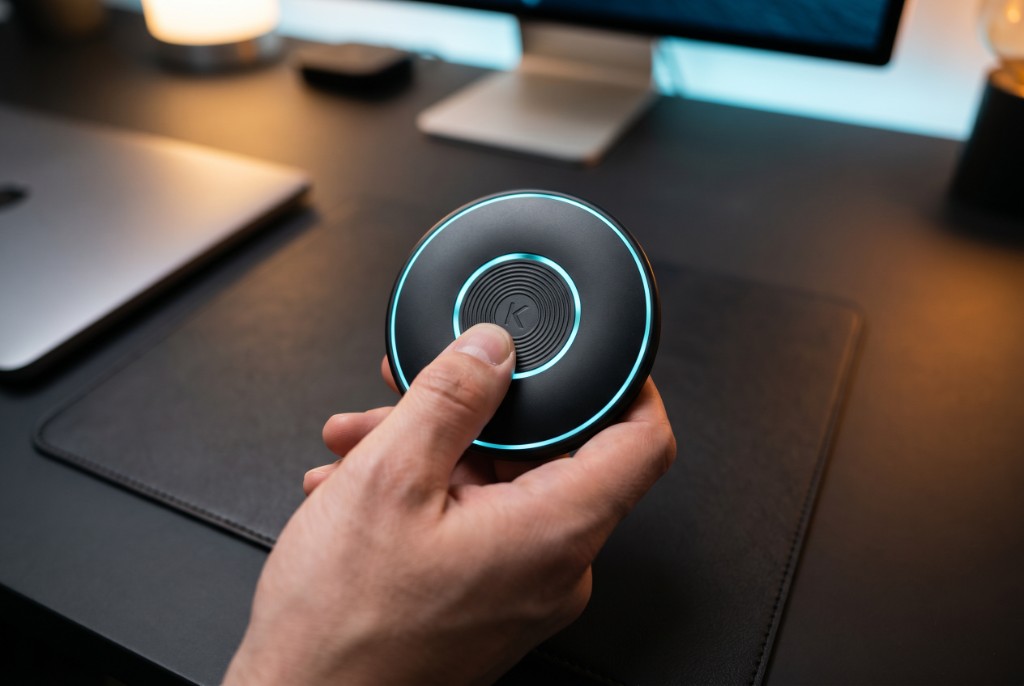
After delivery, follow the in-box quick-start guide. Open the KEYRA app, scan the device QR code, and complete the on-device fingerprint enrollment. Biometric templates never leave your hardware.
I did not receive a confirmation email for my pre-order.
Check spam and promotions folders first. If still missing, email support with your order email and approximate checkout time — we will resend confirmation within one business day.
Can developers get sandbox access before hardware arrives?
Yes. Integrators can request sandbox API credentials by emailing support with your use case. Documentation is available at keyrakey.com/docs.
What is covered under the founder warranty?
Founder units include a limited hardware warranty against manufacturing defects. Accidental damage, lost devices, and unauthorized modifications are not covered. Full warranty terms ship with your device.
How do I reset my device or remove biometrics?
Factory reset is performed on-device through the settings menu and requires your enrolled fingerprint. This wipes local keys and biometrics — recovery requires full re-enrollment.
Troubleshooting
Quick fixes.
Fingerprint not recognized
Clean the sensor, re-enroll in a dry environment, and ensure your finger covers the full sensor surface.
Challenge expired before approval
Challenges are time-bound for security. Request a new challenge from your app and approve within the displayed window.
BLE pairing fails
Keep KEYRA ONE within range, disable other BLE pairing attempts, and restart Bluetooth on your phone before retrying.
Display not waking
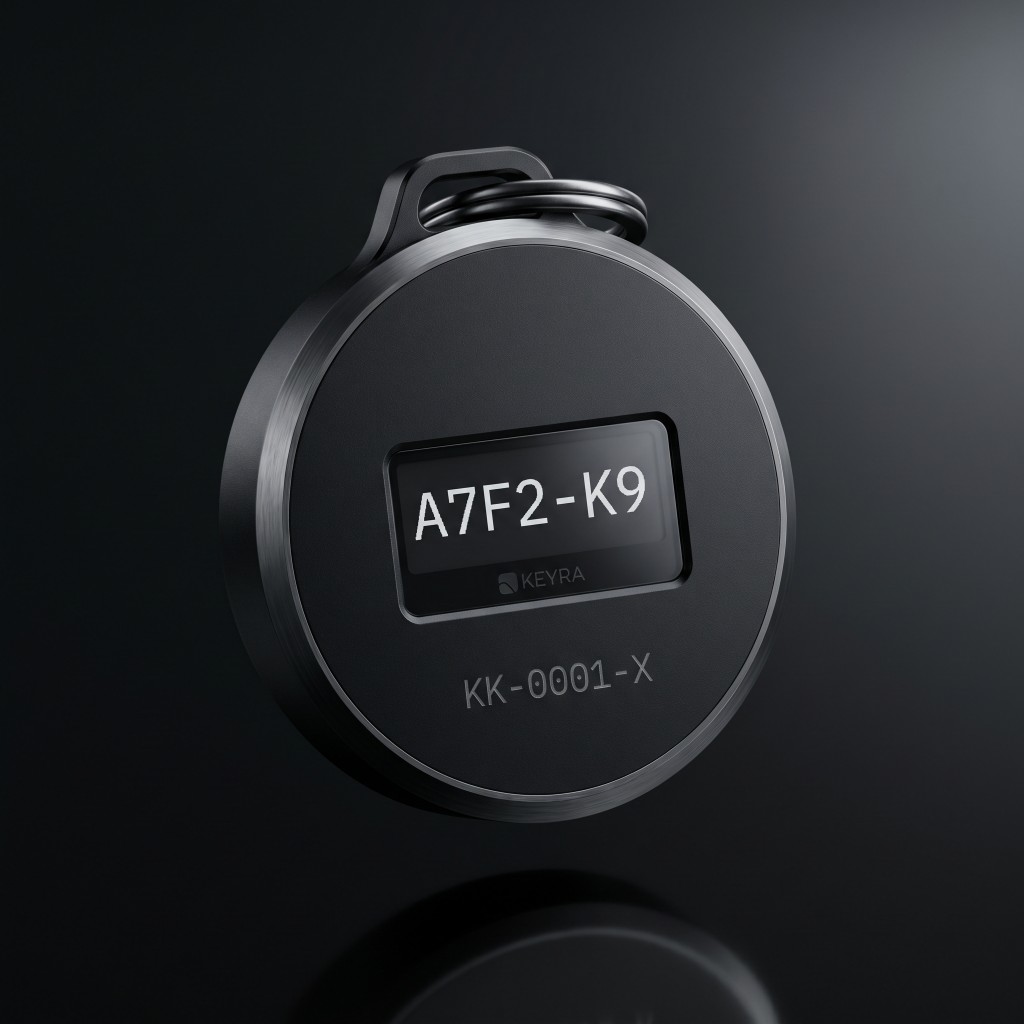
Charge for 30 minutes using the included cable, then press and hold the side button for three seconds.
Contact support
We are here for founders.
For order issues, device help, warranty claims, and developer sandbox requests — email our team with your order email and a short description of the issue.
Founder support: Monday–Friday, 9am–6pm ET. We aim to respond within one business day.
Email supportEnterprise integrators: include your company name and environment (sandbox or production) for faster routing.